> For the complete documentation index, see [llms.txt](https://docs.multisignals.com/llms.txt). Markdown versions of documentation pages are available by appending `.md` to page URLs; this page is available as [Markdown](https://docs.multisignals.com/sign-up-and-login.md).
# Sign up & Login
## Signing up
Follow the steps below to sign up to [MultiSignals](https://www.multisignals.com/);
1. Go to the [MultiSignals Website](https://www.multisignals.com/).
2. Click on the “Get Started” button on the top right of the screen.
3. Type your user name, email and password.
4. Click on “Create Account” button.
### Activation
After the sign-up process, you can activate your account using the activation code and link sent to your email.
## Sign in
Follow the steps below to login to MultiSignals;
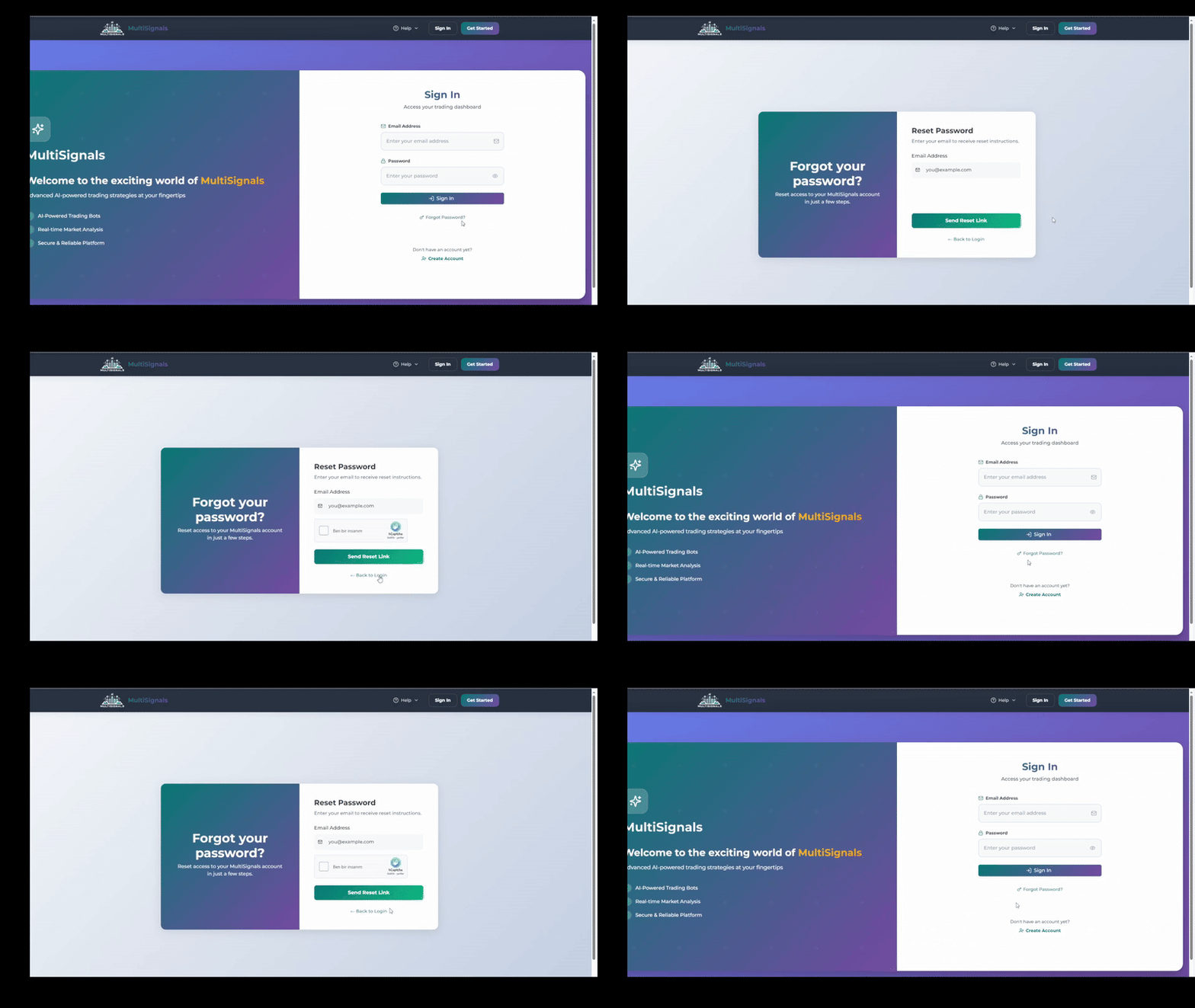
1. Go to the [MultiSignals Website](https://www.multisignals.com/).
2. Write your email and password.
3. Click on the "Sign In" button.
## Logging out
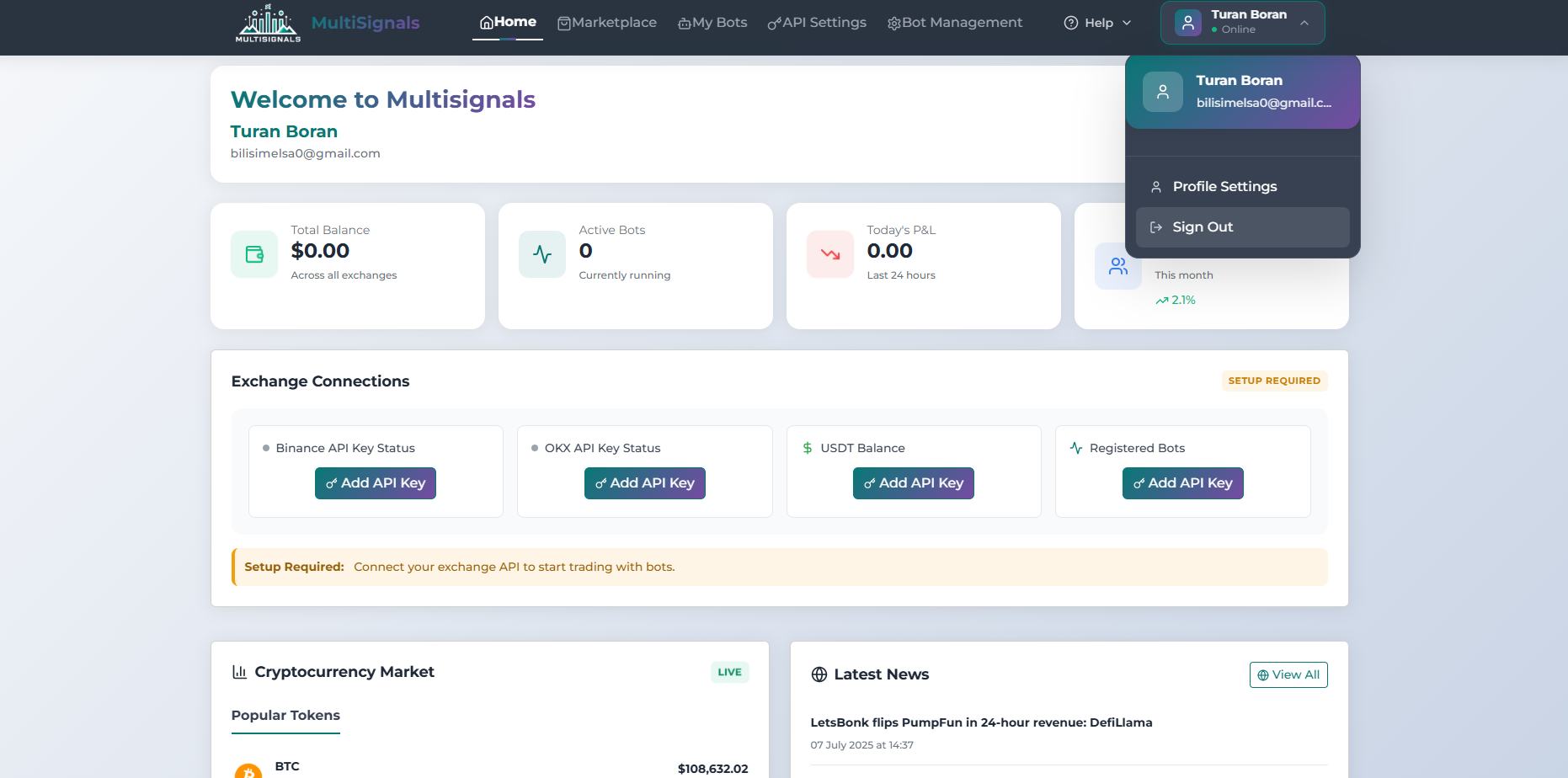
Click on the profile symbol at the top right of the screen and then click on 'Sign Out'."
## Resetting your password
Follow the steps below to reset your password:
1. Click on “Forgot password” link on the login page.
2. Type your email and click “Send Reset Link”.
3. Go to your email address and click on the "Reset Password" button in the email that has been sent to you.
4. Enter your new password and click on the "Reset Password" button.